CHROMEManual install package
Google Chrome
Desktop Chrome 120+
Under Assets in GitHub Releases
choose IG_AutoLike_Refresh_v0.7.zip
Unzip after downloading and load it manually
DESKTOP EXTENSION v0.7.0
Refreshes your home feed on a timer
Likes matching posts in order from the top
You choose the refresh seconds, posts per round and gap between likes
Countdown and totals at a glance in the top right

DOWNLOAD ON GITHUB
Desktop Chrome 120+
Under Assets in GitHub Releases
choose IG_AutoLike_Refresh_v0.7.zip
Unzip after downloading and load it manually
Desktop Edge 120+
Under Assets in GitHub Releases
choose IG_AutoLike_Refresh_Edge_v0.7.zip
After downloading, load it from edge://extensions
Coming soon
Being developed and tested
It will be announced here when ready
How to download
Press the GitHub button above → under the latest release find Assets (expand it if collapsed) → click the ZIP for your browser
Chrome: IG_AutoLike_Refresh_v0.7.zip
Edge: IG_AutoLike_Refresh_Edge_v0.7.zip
A normal install doesn't need the Source code
Source code (zip) / Source code (tar.gz) is the full development source
Public releases download without a GitHub login
Install packages are provided only on GitHub Releases
There's no usable Safari version yet

Default refresh interval
5 to 3600 seconds
Default gap between likes
1 to 3600 seconds
Default maximum likes per round
1 to 20 posts
It doesn't wait to reach the set number of posts
and doesn't keep going to make up a shortfall
SMALL PANEL / CLEAR CONTROL
× hides the panel
To stop, press "Pause"
The top-right panel shows the refresh countdown, likes, refreshes and this round's progress
Long status text doesn't change the panel's size
After "Pause" the button turns into "Start"
Continuing keeps this session's stats and the posts used this round, and restarts the refresh countdown
× hides the panel and remembers the choice
To show it again, turn on "Show IG floating panel" in the extension settings
Both options below are ticked by default
Already liked posts, ads, your own posts and unrecognised posts are skipped
GET STARTED / 4 STEPS
For desktop Chrome and Edge
Safari version in development, coming soon
In GitHub Releases, under Assets, click the matching ZIP
Unzip it after downloading
Chrome folder: samegg-ig-like-trial
Edge folder: samegg-ig-like-edge
Keep the folder; don't move or delete it later
In Chrome's address bar paste chrome://extensions
In Edge's address bar paste edge://extensions
Turn on "Developer mode"
Press "Load unpacked"
Choose the matching Chrome or Edge folder
Choose the level where manifest.json is directly visible
Sign in to IG in the Chrome or Edge with the extension installed
Go to the home feed and reload the tab
Open the extension, check it's v0.7, adjust the settings and press "Start"
Older version installed?Turn off the old version before loading the new one
If you reuse the same folder, overwrite the files, press the extension's reload button and reload IG
BEFORE YOU START
No
The computer must stay on with the browser and the IG home tab open
Background throttling, slow loading or sleep can still delay refreshes
Download and install it again on the other computer, sign in to IG and press Start
Settings, history and session stats stay in the original browser and don't sync across browsers or computers
The Safari version is still being developed and tested
It isn't available yet; it will be announced here
In the extension, press "End this session and edit settings" first
Starting again after that creates a new session and resets its stats
The floating panel's display switch can be changed while running
The setting is the maximum per round
With too few candidates on the feed or when refresh time arrives, it may do fewer
It confirms each like before the next and refreshes when time's up
No
This page only gives the GitHub download link and instructions
Once installed, the extension runs on your signed-in IG home feed; it doesn't read passwords or cookies and doesn't send its history anywhere
v0.7.0 / Updated 2026/10/22
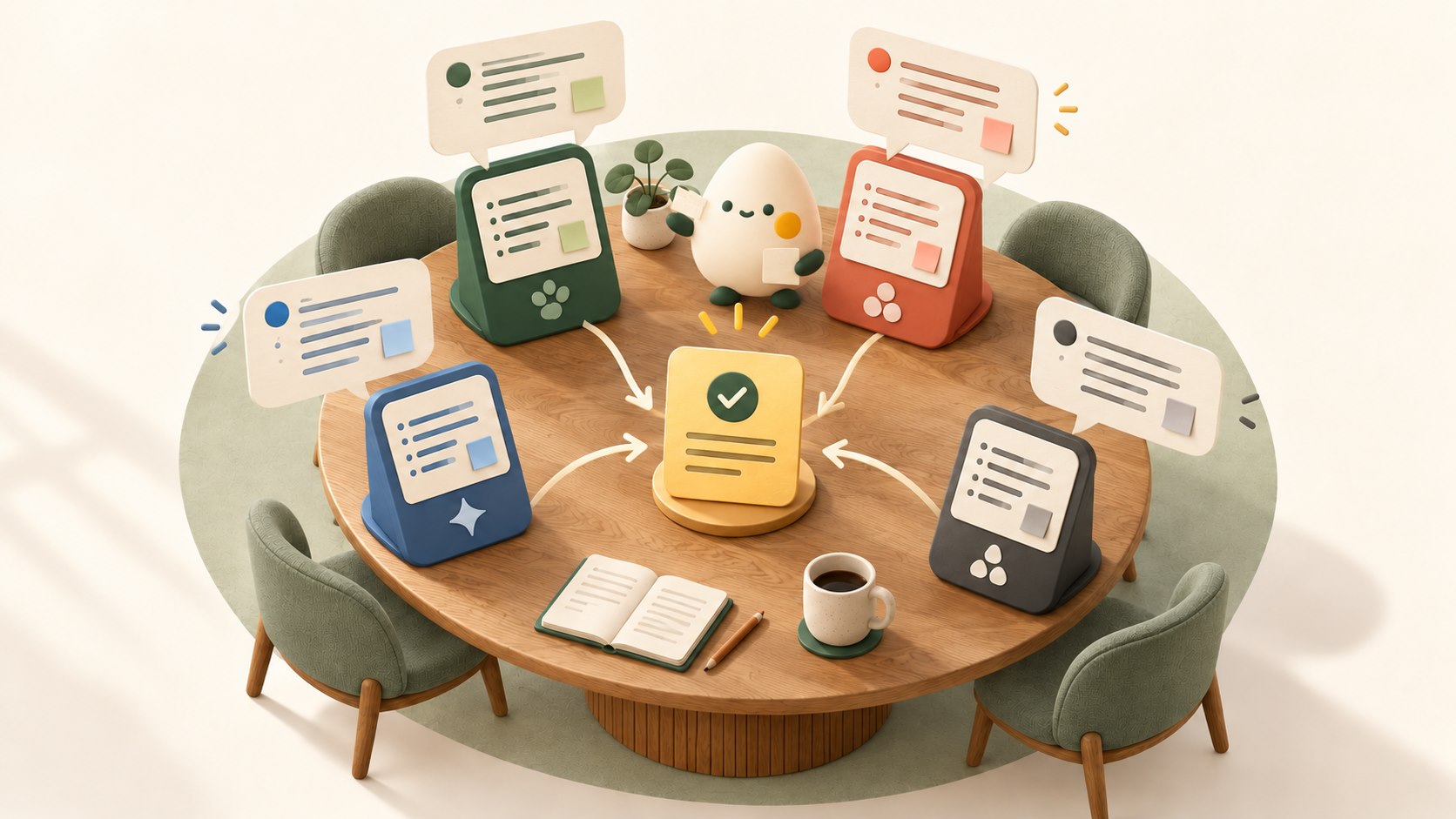
Let the ChatGPT, Claude and Gemini you subscribe to hold a meeting. Each makes a proposal and challenges the others, then a moderator sums up. Download the Windows app.
Open tool →
Worried about splitting a bill wrong, or too lazy to work out a discount? Type in the sum and save your mental arithmetic.
Open tool →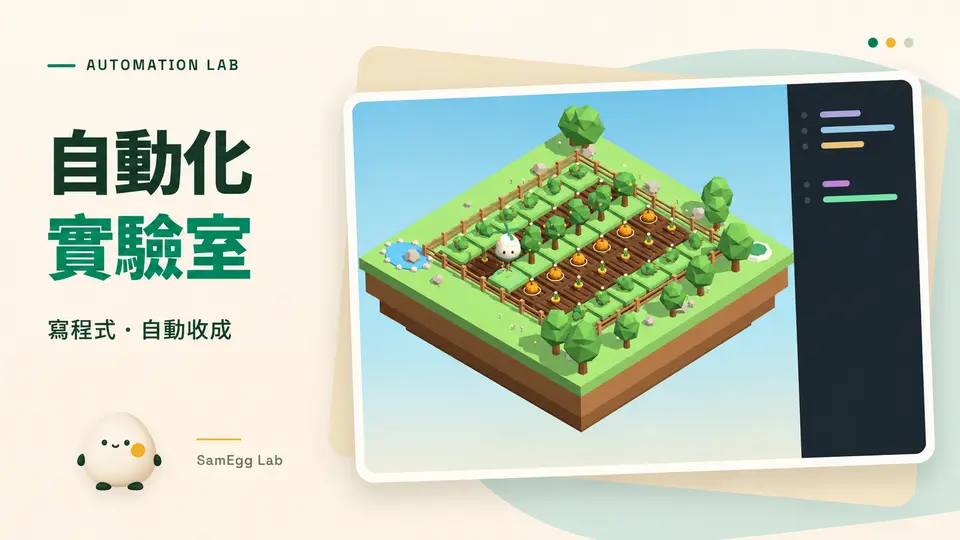
Write Python-like code so egg drones farm for you. Unlock loops and new crops along the skill tree, and watch the 3D farm get more efficient as your code improves.
Play →